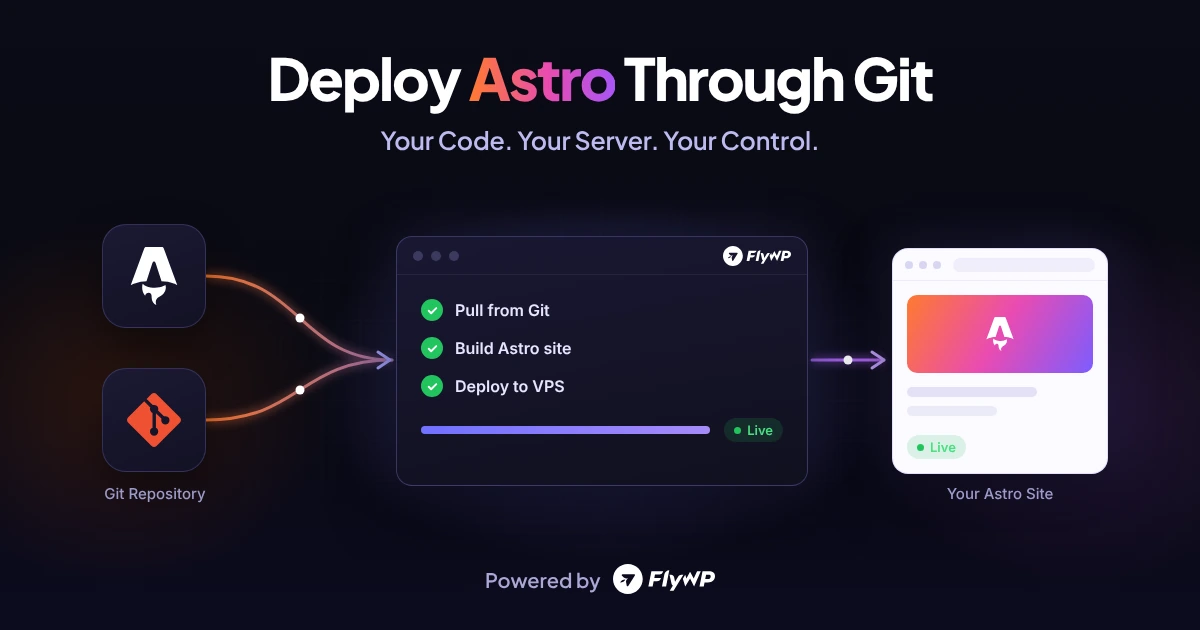
Deploy an Astro Site Through Git Using FlyWP
Learn how to deploy an Astro site through Git using FlyWP. Connect your repository, configure Node.js, and host Astro on your own VPS.
Early Access to Black Friday DealsFlyWP Lifetime Deal → Pay Once, Fly Forever
Grab Early Bird DealLearn how to deploy an Astro site through Git using FlyWP. Connect your repository, configure Node.js, and host Astro on your own VPS.
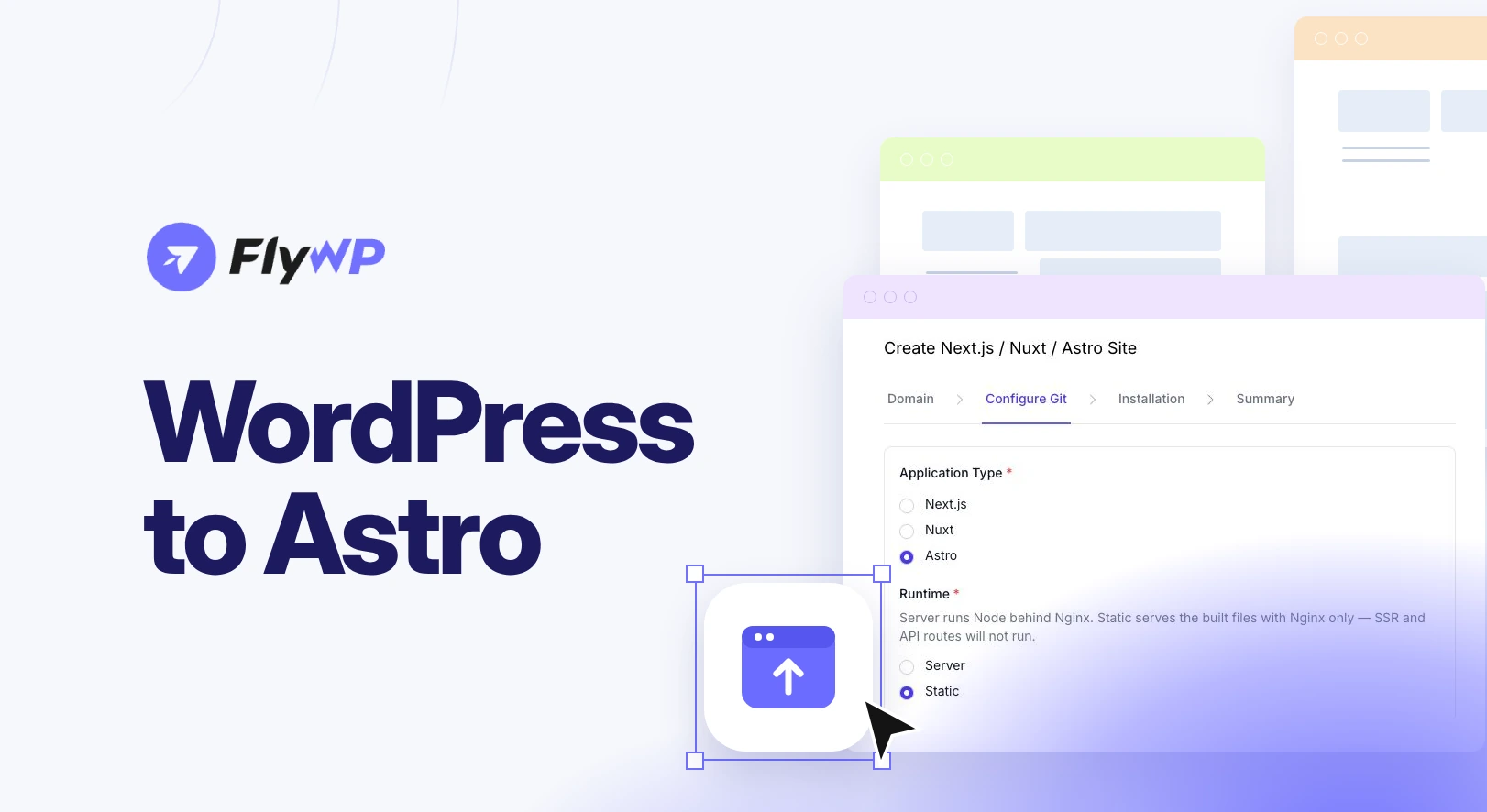
Moving from WordPress to Astro? Compare the two, follow a 7-step migration checklist, pick static or server builds, and deploy Astro free on FlyWP.

Learn how to self-host Open WebUI on a VPS, connect Ollama or an AI API, configure HTTPS, and deploy your AI chat interface with FlyWP.
On August 6, 2026, FlyWP identified a large-scale security incident affecting FlyWP infrastructure and more than 700 customer servers and … Read more
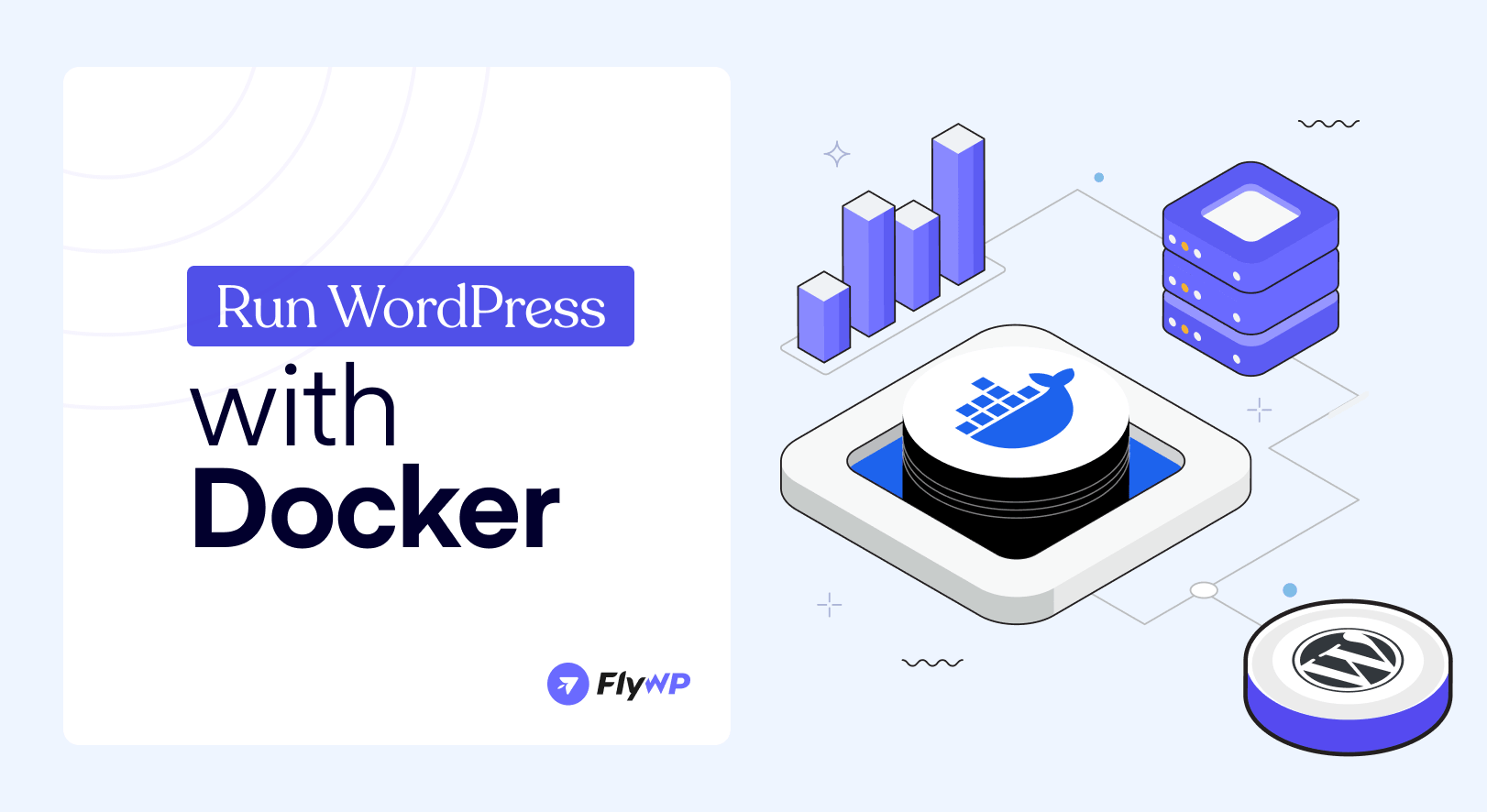
Learn how to run WordPress with Docker Compose in minutes. Follow this step-by-step guide to install, configure, and manage WordPress locally.
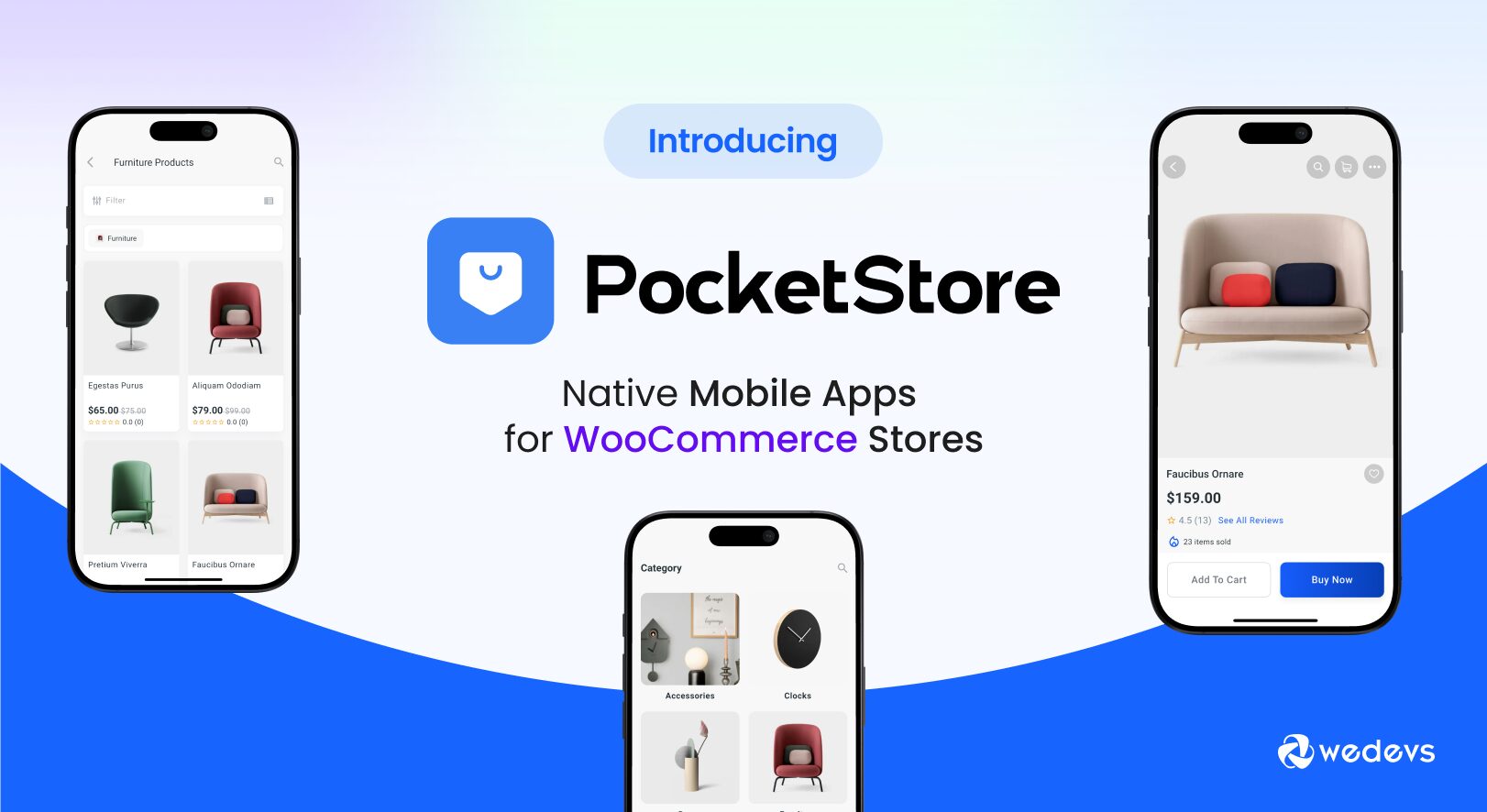
Learn how PocketStore helps WooCommerce businesses increase mobile conversions, improve user experience, and grow revenue with a dedicated shopping app.

Discover how CartPilot, an AI-powered sales agent for WooCommerce, helps answer customer questions, reduce cart abandonment, and increase conversions with 24/7 personalized shopping assistance.
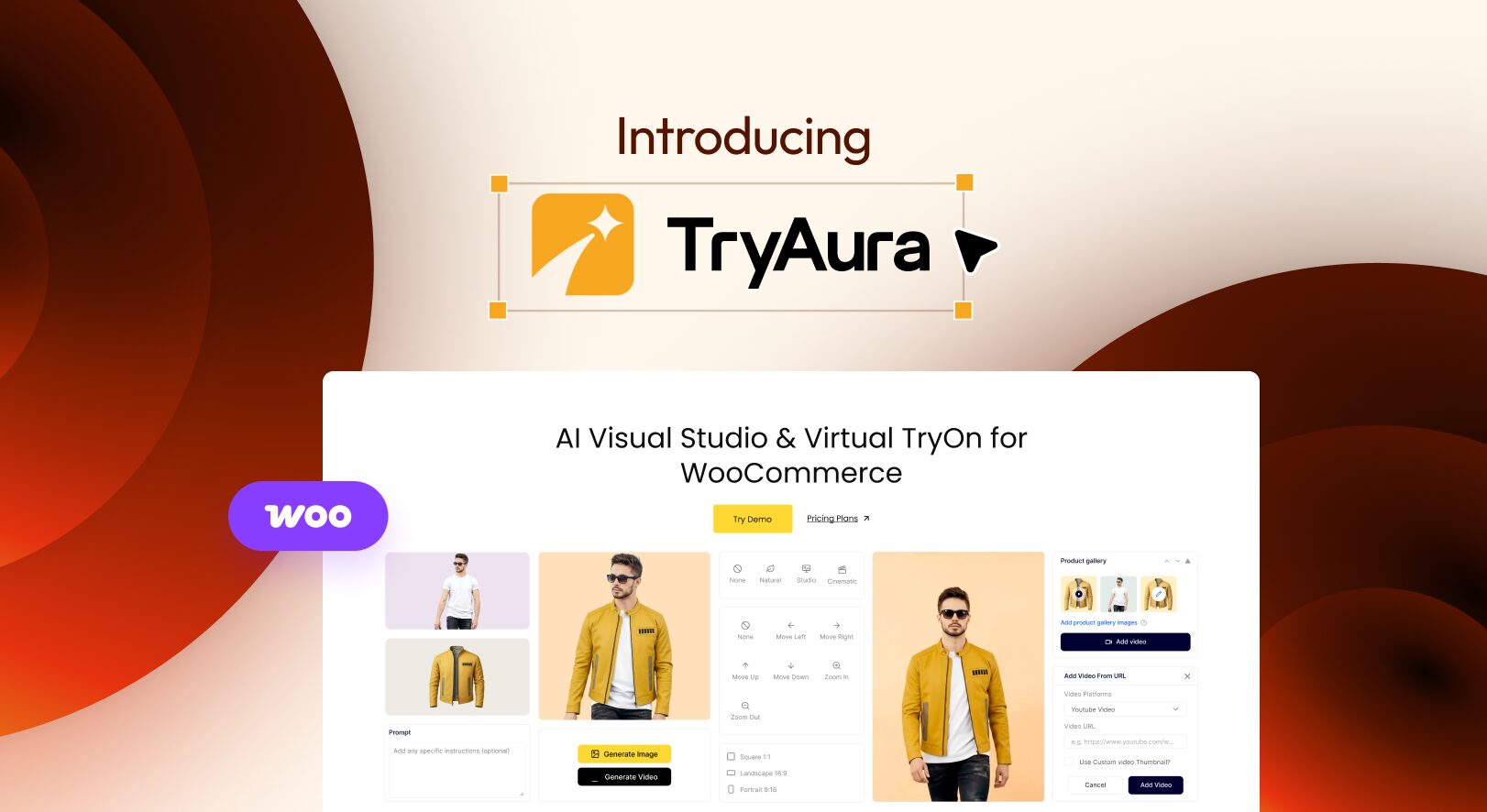
Discover TryAura, the AI-powered platform that helps WooCommerce store owners create stunning product images, videos, and virtual try-ons. Learn how to generate high-converting product visuals faster and more affordably.
Learn how to speed up WordPress without plugins using server-level optimization – PHP tuning, OPcache, Nginx, CDN, and database cleanup. A technical guide for developers and site owners who want real performance gains.
Automating the deployment process for WordPress can significantly streamline your workflow, increase efficiency, and ensure consistency across environments. Automating these … Read more
Learn how to self-host your own email using Docker Mailserver. This step-by-step guide walks you through setup, configuration, and best practices – no sysadmin degree needed.
This guide will walk you through everything from generating an SSL certificate on Cloudflare to installing it on your web server – ensuring your site is protected and fully encrypted.